Understand comfort, airflow and efficiency, with sources and unknowns clearly shown.
Cooling-mode cutaway · side coil intake → fan → upward discharge
Give your contractor a clearer starting point
Keep equipment, photos and comfort concerns together so a contractor can review your needs with fewer repeated questions.
Sometimes photos aren't enough. That's okay.
Add what you know. Missing details stay clearly marked for review.
ONE REQUEST, ANY DEVICE
Start on your computer. Take photos on your phone.
Scan your private QR code to continue the same report on your phone. Your saved photos and progress stay together.
HVAC PROFILEOne home. One profile.Start on your computerScan your private QRContinue on your phone
Computer starts your profile
↓ Private one-time QR link
Phone captures photos
↓ Cloud synchronization
Return to any device
Private cloud saving · one-time links expire in 15 minutes.
OUR PROPOSED INSTALLER NETWORK
A clearer starting point for a local contractor.
Our planned partner network will review your report, confirm installation requirements and prepare a written quote. The profiles below are demo examples.
These names and graphic marks are invented design placeholders, not real contractor relationships or endorsements.
HOMEOWNER LEARNING CENTER
Better information, better decisions.
Practical guides on your equipment, its labels and your replacement options.
QUESTIONS BEFORE YOU START?
We make the process simple.
YOUR FREE HVAC PROFILESTEP 1 OF 3
STEP 1
Which equipment should we include?
YOUR FREE HVAC PROFILESTEP 2 OF 3
STEP 2
Add your equipment photos.
Using a computer?
Continue on your phone to take photos, or upload files you already have.
Scan the QR or share its one-time link with your other device. Automatic SMS and email delivery are not configured.
YOUR EQUIPMENT
Add photos and/or videos
Add a wide view and a clear label photo for each unit. Up to 15 photos and 3 videos per report.
Choose several files together. Review or remove them below.
No files selected
Your selected filesReview, categorize or remove
What should I show?Real equipment examples and a checklist for clear photos
Indoor equipmentWhole cabinet and visible ducts.Outdoor equipment, if presentWhole cabinet and nearby space.
What to show Helpful checklist — not required to continue
How to take useful photos View tips
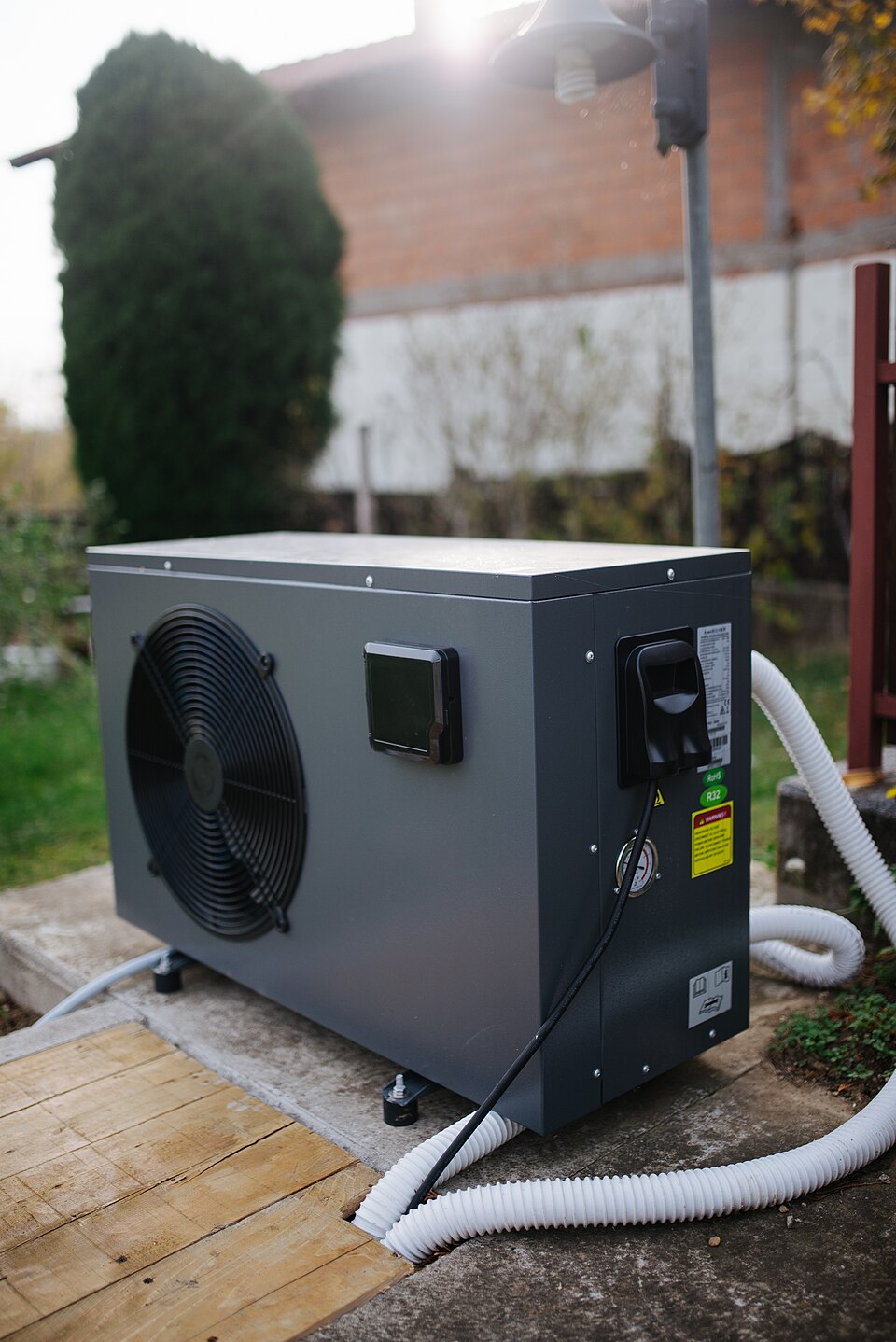
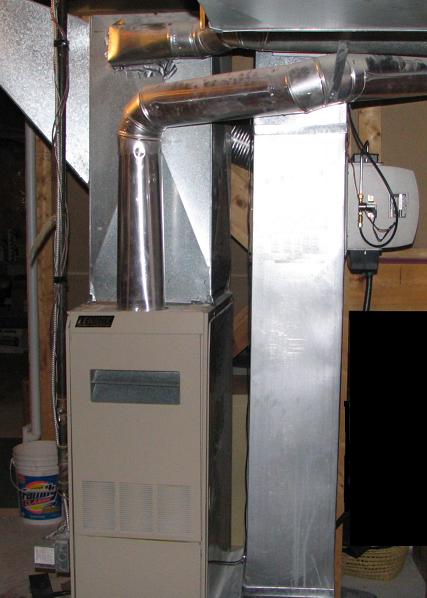
Indoor unit: Step back to show the entire furnace or air handler and visible ducts.
Labels: Get a clear close-up of the indoor and outdoor model stickers, only if safely accessible. A homeowner-accessible panel may be opened only if the manufacturer permits and the system is off; never touch internal components.
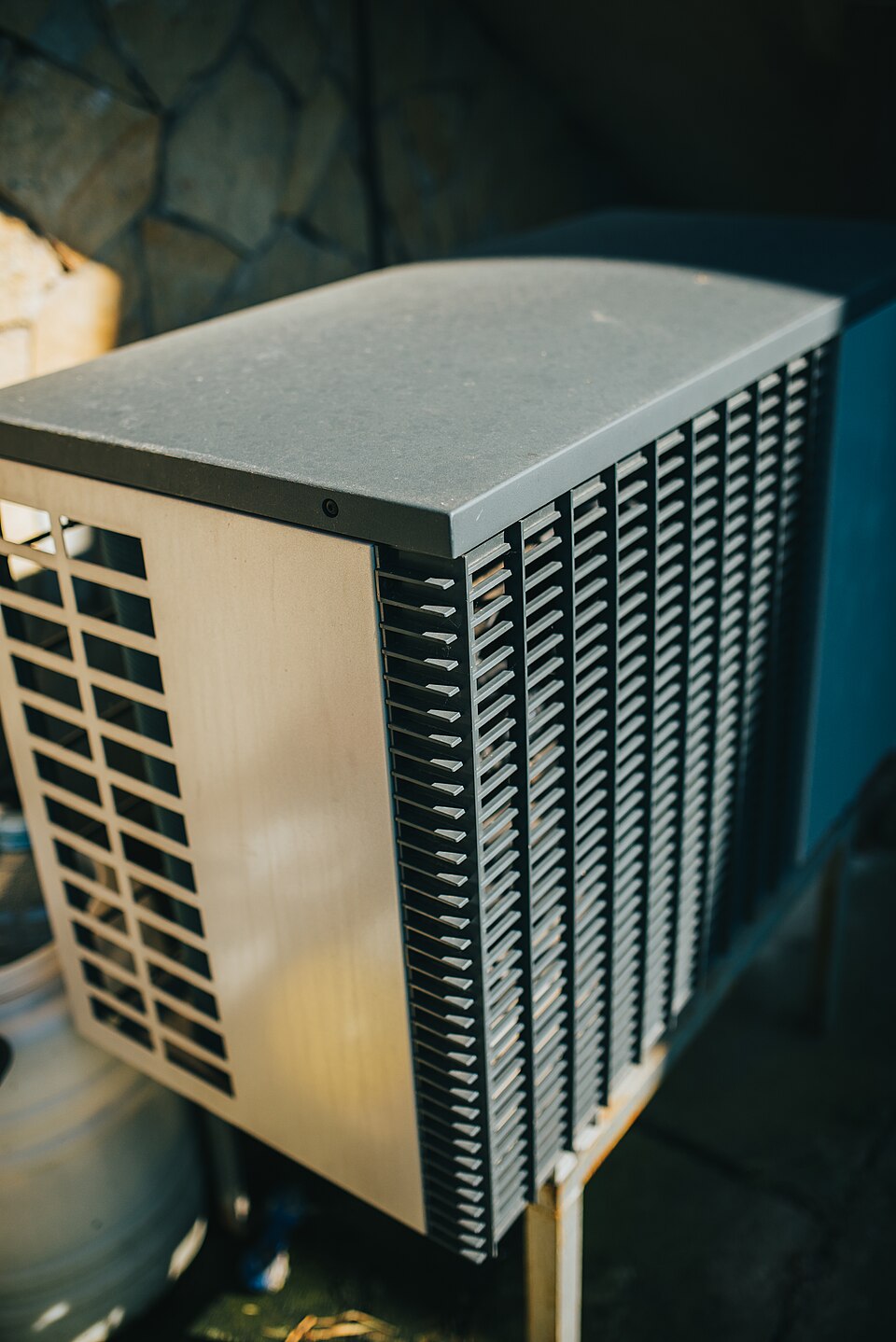
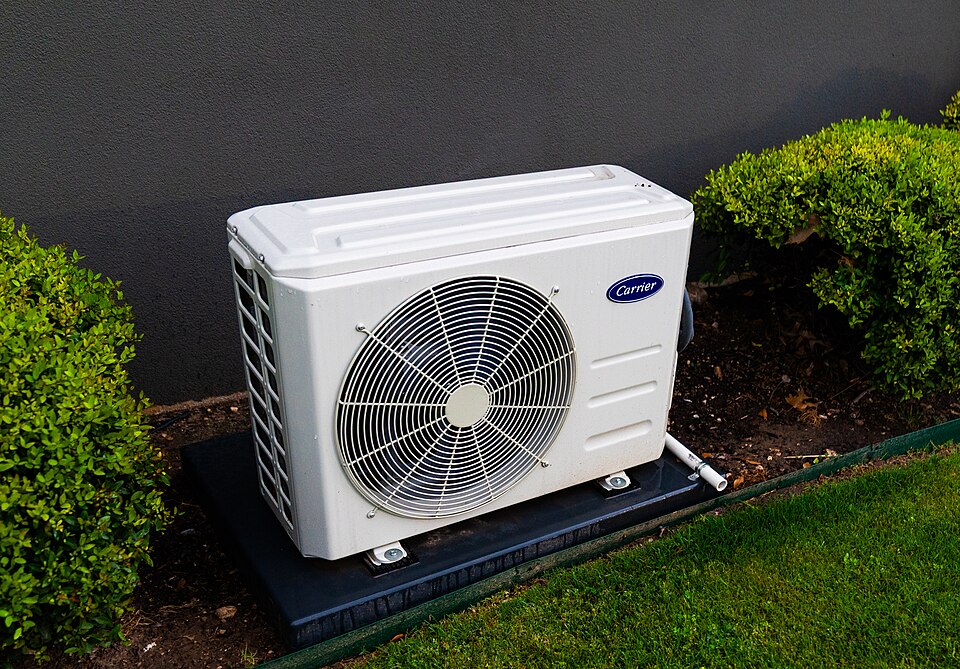
Outdoor unit: Show the complete AC or heat pump and the area around it.
Ductwork: Show the visible coil cabinet, return drop and accessible connections.
Accessories: Show any humidifier, media filter and air purifier or UV housing.
Electrical panel: Show the CLOSED electrical panel; do not remove covers or touch wiring.
File formats and short video tips
Use JPG, PNG or WebP photos, or MP4/MOV video. Each file: up to 15 MB. Video: up to 30 seconds. Show the cabinet and surrounding space; add a separate close-up for readable label details.
Don't have photos or a video right now?
Continue to your home and contact details. You can add photos later; missing equipment details will stay marked as unknown.
YOUR FREE SYSTEM PROFILESTEP 3 OF 3
STEP 3
Your home and contact details.
Keep your equipment report connected to the right home.
Home address
Contact information
Your privacy
Your details and files are saved privately with this report. Keep recovery links private. You can delete the report and its files from My reports.
HVAC PROFILEOrganizing your evidencePhotosEquipmentSources
YOUR FREE SYSTEM PROFILEREPORT IN PROCESS
REPORT IN PROCESS
Your HVAC report is being prepared.
We’re organizing your photos and home details into a clear HVAC report.
What happens next?
Review your equipment details first. You can request a contractor quote afterward.
Preparing a report from saved details and any label readings you confirmed.
YOUR FREE SYSTEM PROFILEREPORT READY
YOUR FREE REPORT
Your home, explained.
Your system profile and supporting evidence.
Illustrative only. This demo has not analyzed your photos or identified actual equipment. No mechanical diagnosis or sizing calculation has been performed.
PROPERTY PROFILE
Address not supplied
—sq ft entered
—floors
0photos selected
IndoorNot verified
⇄
OutdoorNot verified
01 · What we know so far
Requested replacementTo be confirmed
Indoor photo evidenceUnknown
Outdoor photo evidenceUnknown
Brand and modelNot verified
Age, efficiency and capacityNot verified
Important distinction
Identifying your current equipment does not establish the correct replacement size or mechanical condition.
02 · What needs expert review
03 · Photo evidence
Your photos are displayed locally and have not been uploaded or analyzed in this preview.
Your personalized quote is the next step.
It will be prepared after your report, with expert review of equipment choices and installation scope.
Want to check a model number? Optional technical preview
Enter a model number or select a clear nameplate photo. Manufacturer and specifications will only be shown if a configured equipment-data provider returns a match. No guesses.
Serial decoders estimate manufacturing age and possible warranty terms. Actual warranty eligibility and installation date must be confirmed with the manufacturer.
Equipment data only appears after a configured provider returns a match. No assumptions or fabricated technical specifications.
HVAC PROFILEPreparing the next stepEquipmentScopeReview
PERSONALIZED QUOTEQUOTE IN PROGRESS
QUOTE IN PROGRESS
Your personalized quote is being prepared.
We've completed the sample report stage. The next stage is a review of possible replacements, accessories and installation requirements.
Timing depends on contractor review
The contractor may need more photos or a site visit before confirming scope and price.
How you'll receive it
When the live service is built, the quote will be sent by email. Signed-in customers will also see it in their account.
Simulation only. No quote was prepared and no email has been sent.
PERSONALIZED QUOTEQUOTE STATUS
YOUR REPLACEMENT OPTIONS
Compare your options.
Explore comparable and upgraded configurations, accessories and payment preferences. A real proposal requires expert and installing-contractor acceptance.
Sample interface, not a real quote. No manufacturer models, installation prices, financing terms or rebates have been verified.
1 · Choose the replacement direction
2 · Accessories and services
3 · What matters most?
YOUR HVAC PROFILE ACCOUNT · DEMO
All your information in one place.
In the future, reports and quotes will be attached to your account and accessible across devices.
Account sign-in is simulated. This browser preview has no server-side identity, secure storage or syncing.
HVAC PROFILE · INFORMATION
Our approach
HVAC Profile
How would you like to continue?
Start as a guest, or preview the sign-in experience. Real Google and email authentication will require a secure backend.
No Google token, email credentials or passwords are collected. The demo does not create real accounts.